
Win more business with faster quotes and less rekeying
Proton matches messy requests to your catalog, applies customer pricing, and prepares quotes and orders for approval, so reps can respond faster and sell more.




From messy RFQ to approved ERP entry
See one request matched, reviewed and entered
Can you quote these for Friday?
Thanks, Jordan
“The dream has always been: a customer emails a part list, and the order just happens. Proton is the first vendor I’ve seen actually build toward that — and they ship faster than anyone we work with.”
 Cas RangelChief Information & Technology Officer, Building Products Inc.


What does rekeying cost your business?
Enter monthly quotes, minutes per quote and win rate to see the annual cost of work your reps still do by hand.
What it takes to get the request entered
Start with Quote & Order Entry, then add modules as needed
Use Quote & Order Entry on its own above your ERP. Add modules that share customer, catalog and order data with agents. Pricing AI, Inventory AI, Sourcing and Order Management are coming soon.
Drafted POs and RFQs for your review
Read emailed POs and RFQs, match products, and draft quotes and orders. Your team can review the work before it moves on.

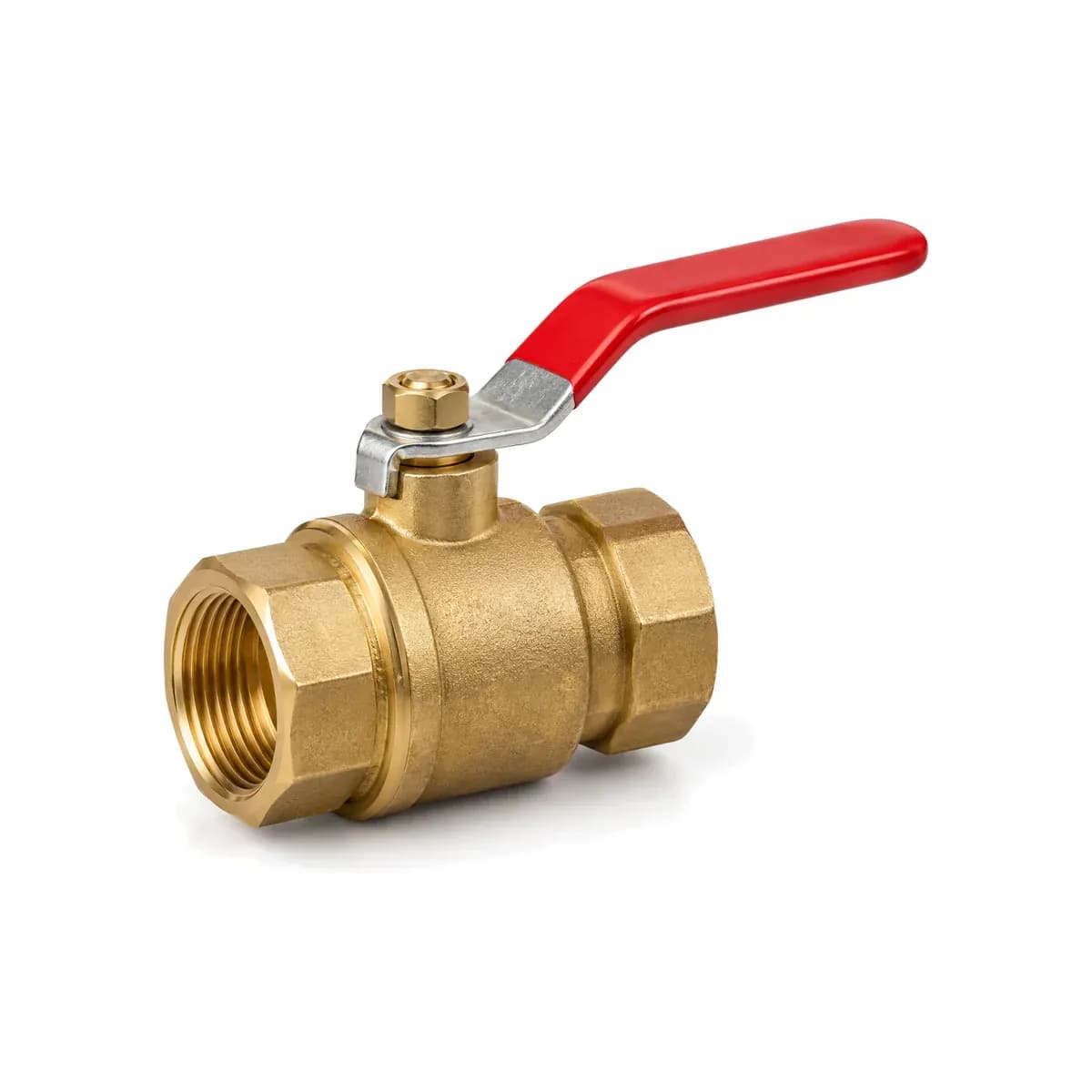
Order and quote entry automation turns a customer's request into a drafted quote or sales order, using your catalog, pricing, and inventory data. Proton reads the request, matches the line items, and prepares the draft for your team to review and approve. It reduces the typing and cross-referencing between the customer's email and your ERP, so reps can spend more time helping customers and selling.
Yes. Proton Quote & Order Entry Automation reads email text, PDF attachments, and Excel or CSV spreadsheets. It can also work with photos, handwritten notes, and requests a rep describes aloud. Customers can keep sending requests in the formats they use today. Missing details are flagged for your team to confirm before the draft moves forward.
Yes. Proton uses your catalog and customer order history to match descriptions, nicknames, and customer or competitor part numbers. In a structured proof of value with one of North America's largest industrial distributors, Proton found the correct part without human help three times as often as the distributor's in-house cross-reference system on description-only lists. Try it on your own customers' requests to see the fit for your catalog.
Proton builds drafts from your connected product, customer pricing, and inventory data, including the information held in your ERP. That means the customer's contract pricing and stock availability can be part of the draft, rather than another round of lookups for the rep. Your existing pricing is applied during order entry; Proton's separate Pricing AI module is coming soon.
Your rep resolves the item or missing detail before approving the draft. Proton flags low-confidence matches, missing fields, and customer-specific exceptions to help focus those checks. Your team reviews every draft before it goes to the ERP or customer, confirming the products, quantities, units, and prices. Rep corrections also help Proton improve future matching.
Yes. Proton connects to any ERP, and your ERP remains the system of record. Proton's solutions team connects the customer, product, pricing, and inventory records used in each draft. Your team agrees which approved quotes or orders Proton may write back, so the integration follows the workflow you authorize. The connection is scoped with your team, whether you use one ERP or several.
OCR extracts text from a document. Proton Quote & Order Entry Automation also connects the request to your business: matching lines to catalog items, applying customer-specific pricing, checking stock, and preparing a quote or sales order for review. A readable PDF still leaves a rep with plenty to do. The useful comparison is how much work remains before the request is ready for your ERP.
No. Proton can work alongside EDI, which already handles structured orders from connected trading partners. Quote & Order Entry Automation addresses the requests that still arrive as email, PDFs, spreadsheets, and other unstructured formats. You can keep the EDI workflows that work and reduce manual entry elsewhere, without asking every customer to change how they order.
Proton's implementation team and engineers build the integration, and a dedicated Customer Success Manager helps your team adopt the workflow. Start with your IT lead and someone who enters quotes or orders today: work through a real request, confirm the ERP data and prices, review the draft, and check what posts after approval. That gives the implementation conversation a concrete starting point, with your own workflow in view.
Start with one RFQ your team has already quoted, ideally with a difficult part-number cross or ambiguous description. Compare Proton's proposed items, quantities, units, pack sizes, customer pricing, and ERP draft with the completed quote. Measure drafting, review, and correction time against your current process. That makes the comparison about the work left for your team on a request they already know.
Compare quote turnaround, entry plus review time, corrections, and requests handled per rep before and after using Proton. Put a value on the added capacity—more RFQs answered, more selling time, or planned hires avoided—and compare it with the total rollout cost. Track win rate alongside those measures to see whether faster responses also help win more business.
Proton has a SOC 2 Type II report your IT team can review through the Trust Center, and your data is never used to train AI models. Role-based access controls who can see and approve drafts, and Proton writes to your ERP only through the paths your team approves.
Go deeper on quote and order entry
 AI in distribution
Proton ends the re-keying era with agentic order & quote entry automation
Emailed POs and part lists become drafted orders in your ERP. Reps review, not retype. AI in distribution
Quote automation software for distributors: from inbound request to sent quote in one step
What the software does, how it works end to end, how it differs from CPQ and proposal tools, and why the payoff shows up in win rate — not just saved keystrokes. AI in distribution
Sales order automation software: every PO entered the way your best rep would enter it
Where automation earns trust — and the review step that keeps it honest.


